
It started with IT. Now every department works here.
Piservo Enterprise Management, formerly Piservo ITSM. Alongside tickets, remote desktop and patching, facilities, purchasing, contracts, documents, projects and assets live on the same screen, with the same users and permissions.
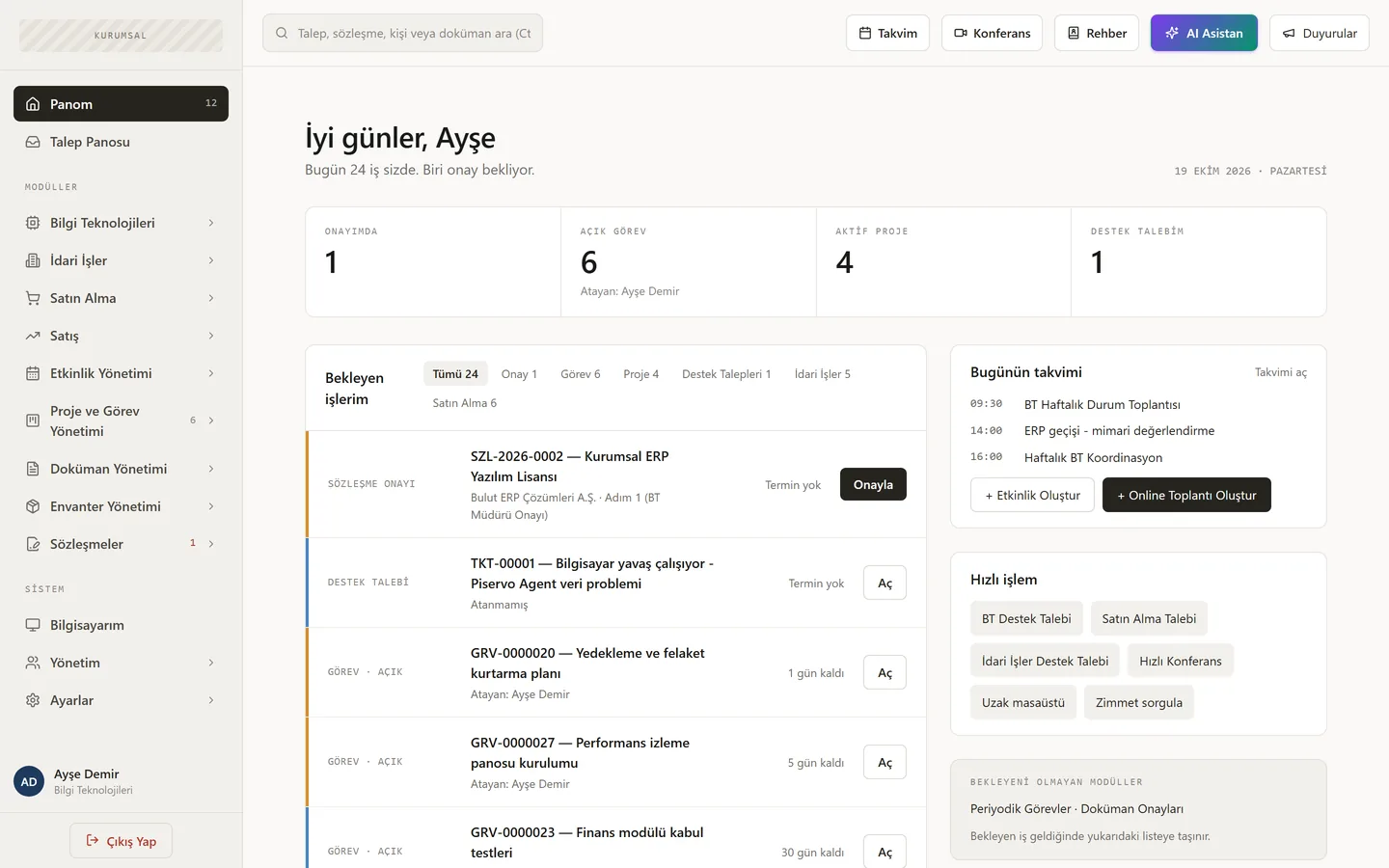
Scope
Each department with its own workflow, on one platform.
Modules are licensed individually, so you pay only for the departments you use. Requests, approvals and reports stay connected across them.
Information Technology
Tickets, SLAs, knowledge base, support teams; remote management, patching, AD and Microsoft 365; network and security monitoring.
Facilities
Categorised requests with multi-step approvals (approve, reject, send back). Airport and intercity transfer forms included.
Purchasing
Department → IT → Purchasing → Finance approval chain. Multiple supplier quotes, catalogues, warehouse receipt and delivery, department budgets.
Contract Management
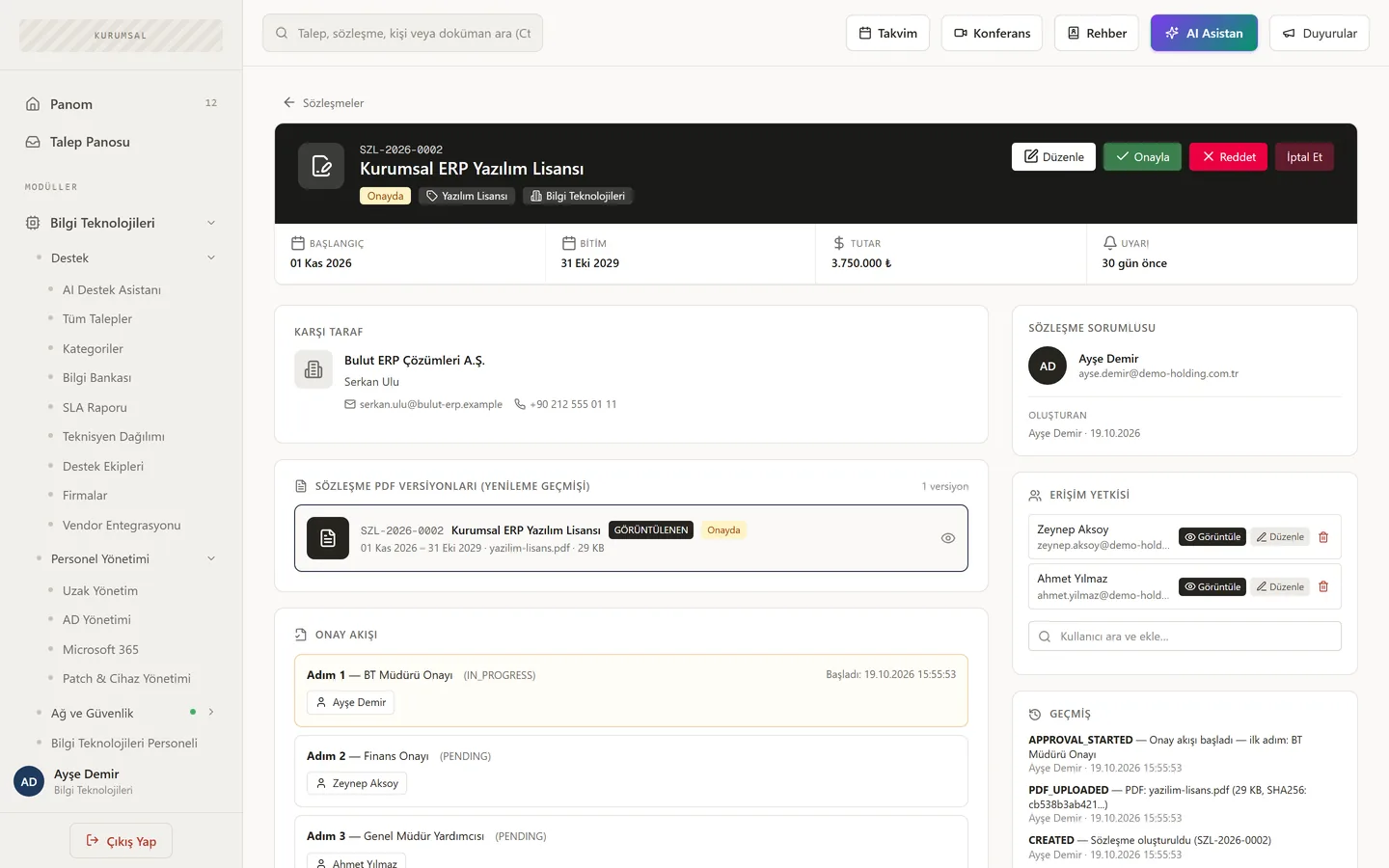
Contract types, approval flow, versions, renewal and expiry reminders, per-user access.
Document Management
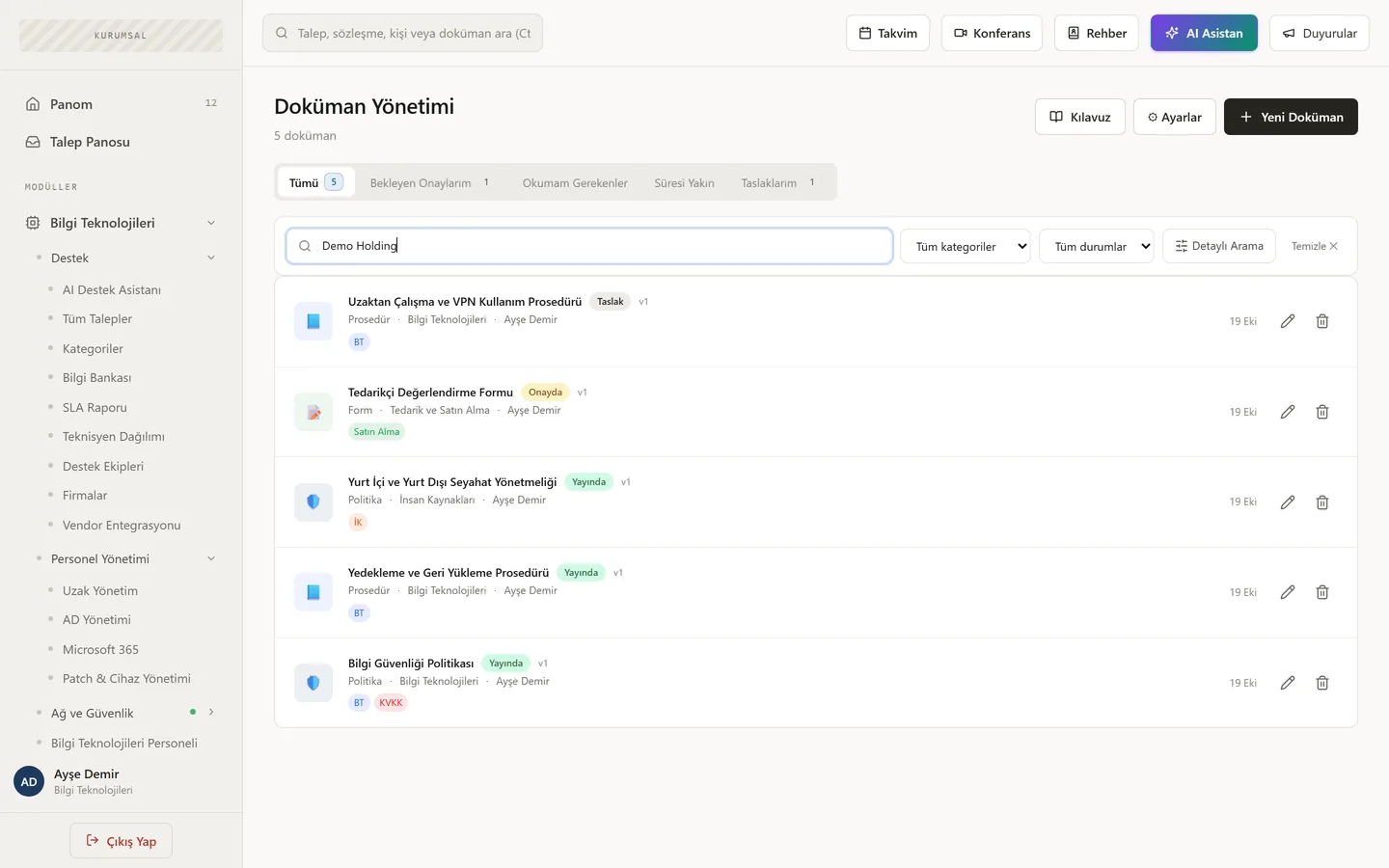
Metadata classes, versioning and approval, read receipts, automatic numbering, PDF from templates and built-in e-signature.
Projects & Tasks
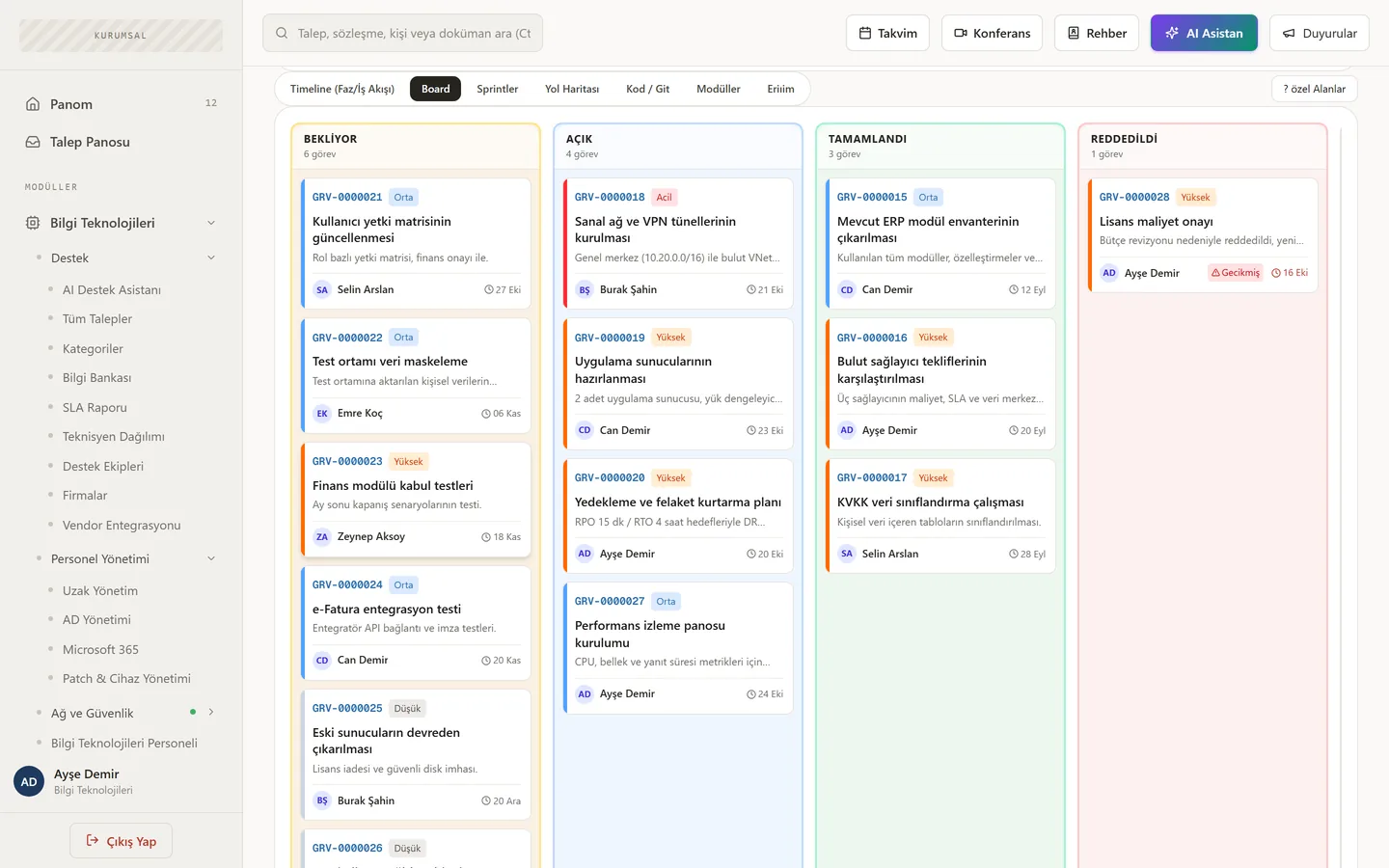
Kanban board, sprints, gated project phases, recurring tasks; GitHub, GitLab, Bitbucket and Gitea links.
Assets & Assignments
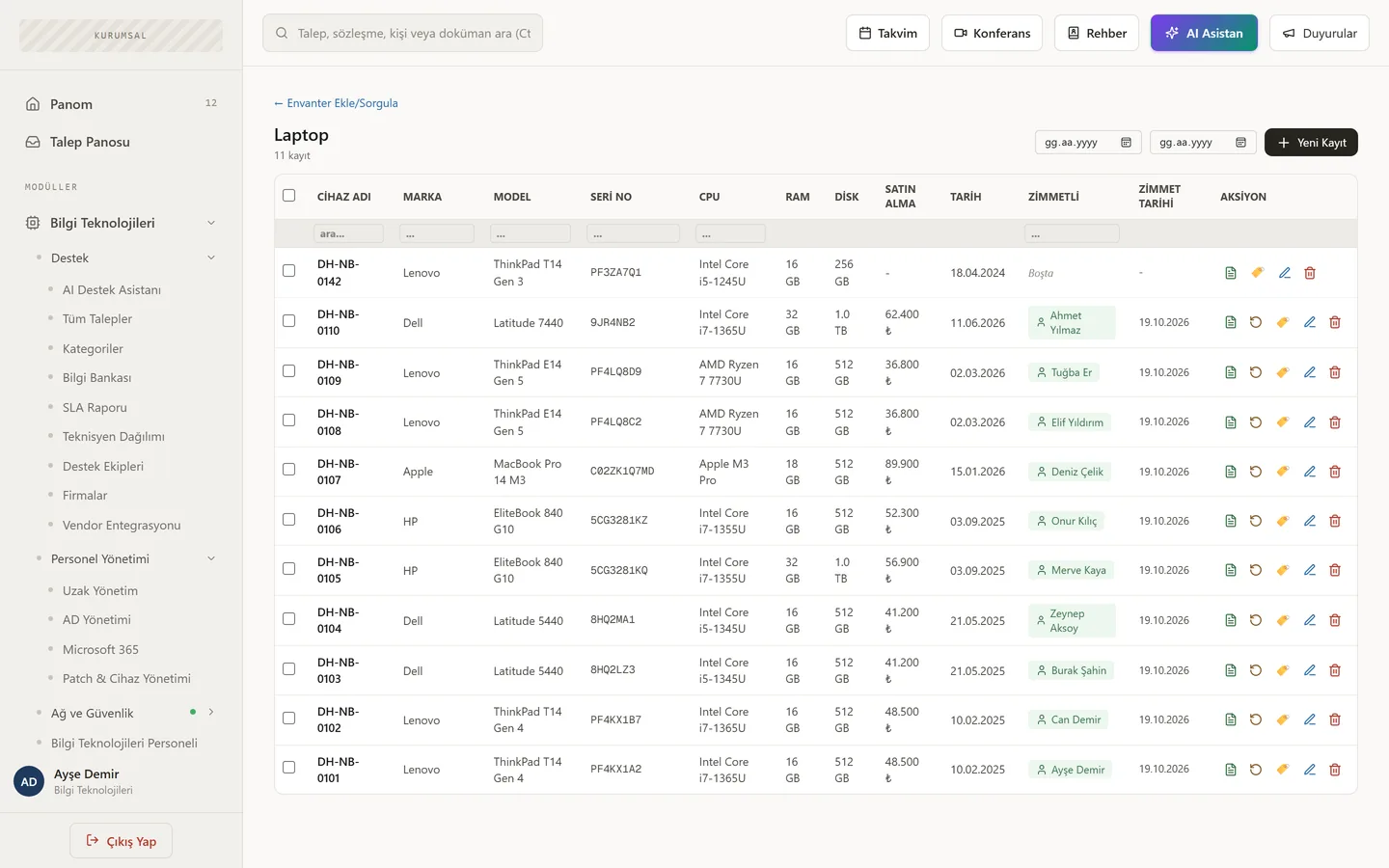
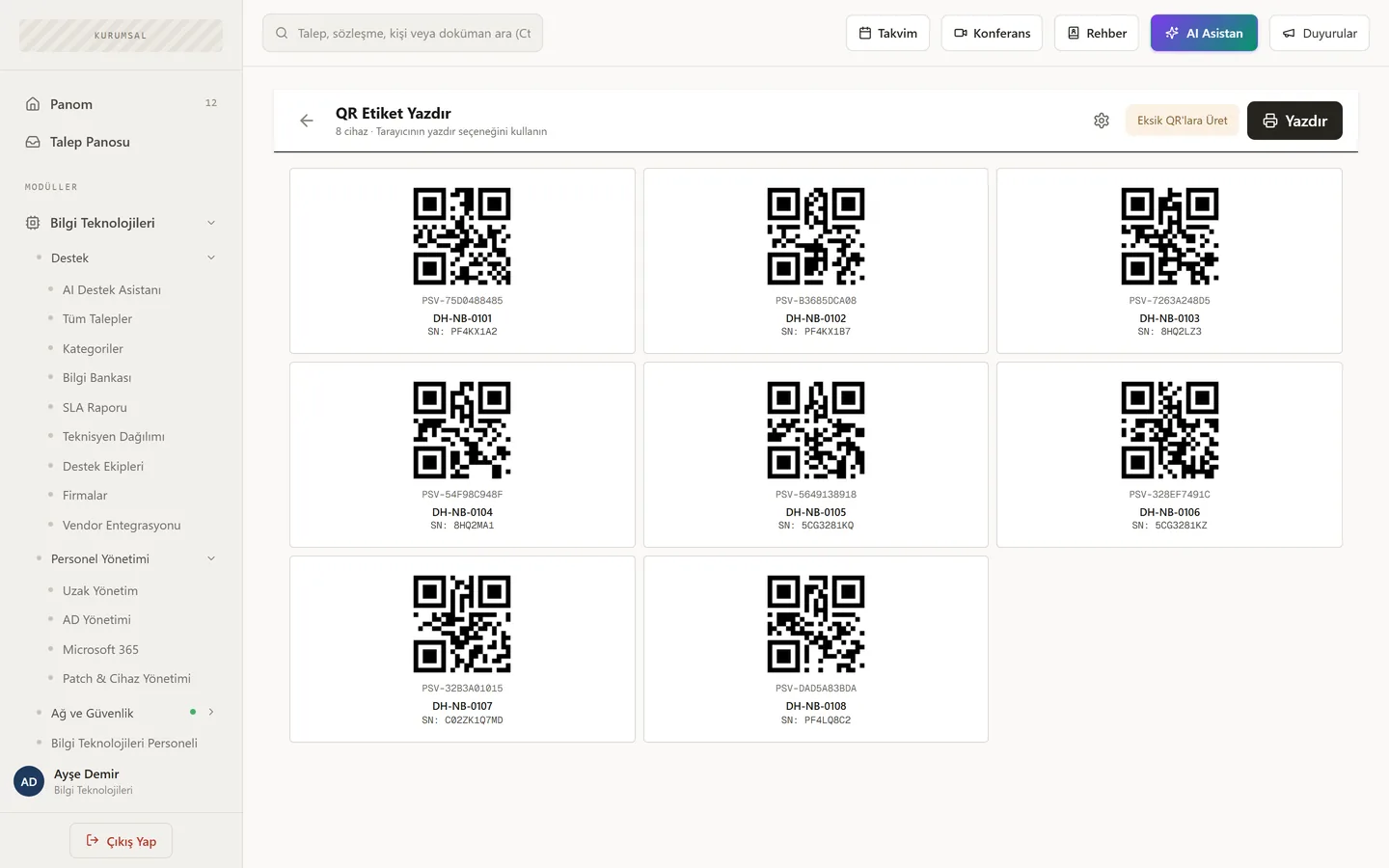
QR-labelled assets, who-has-what lookup, physical counts and audits, software inventory and M365 licences.
Sales
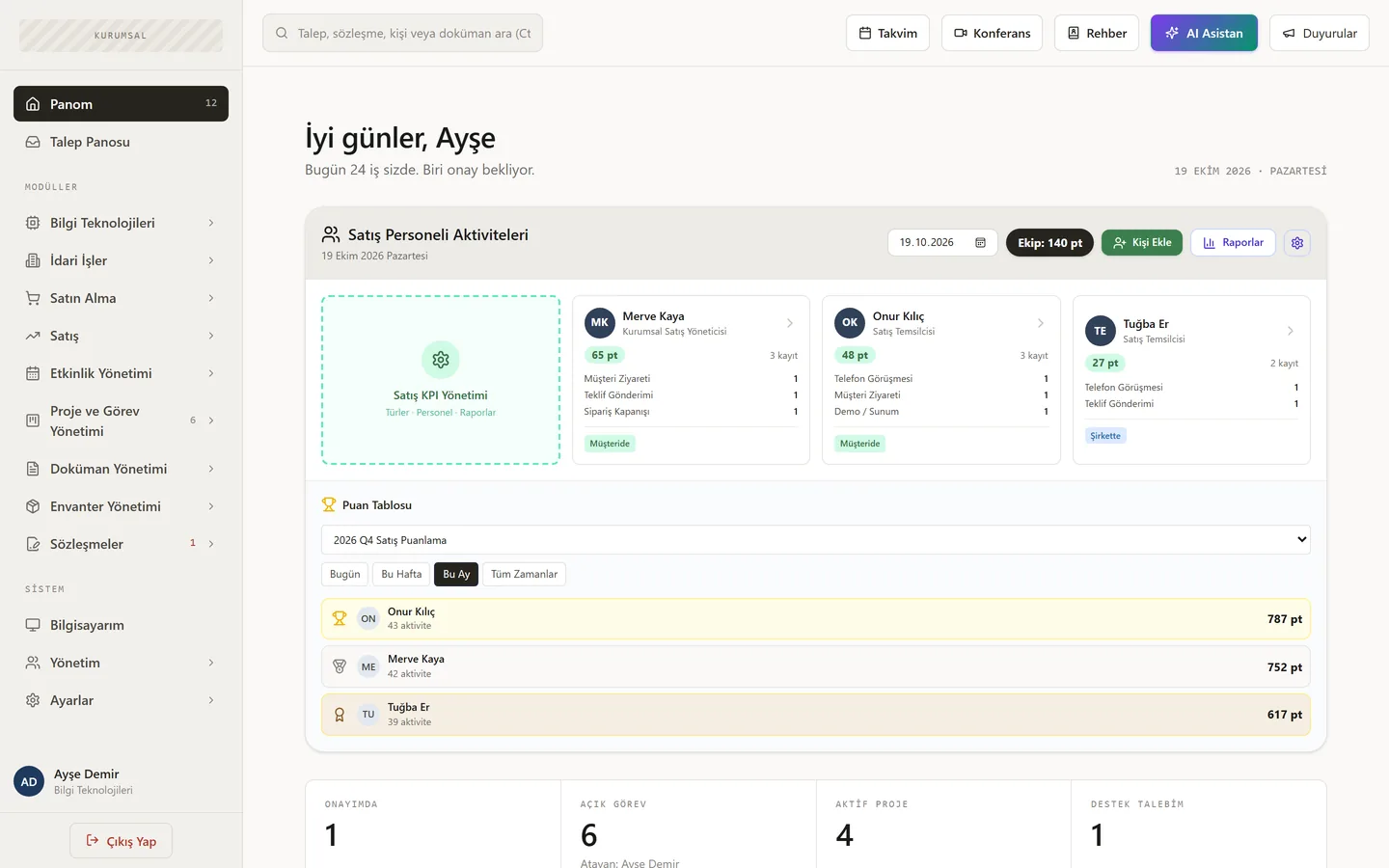
Daily activity logging with location, scoring sets, team and individual trends, leaderboard, PDF reports.
Event Management
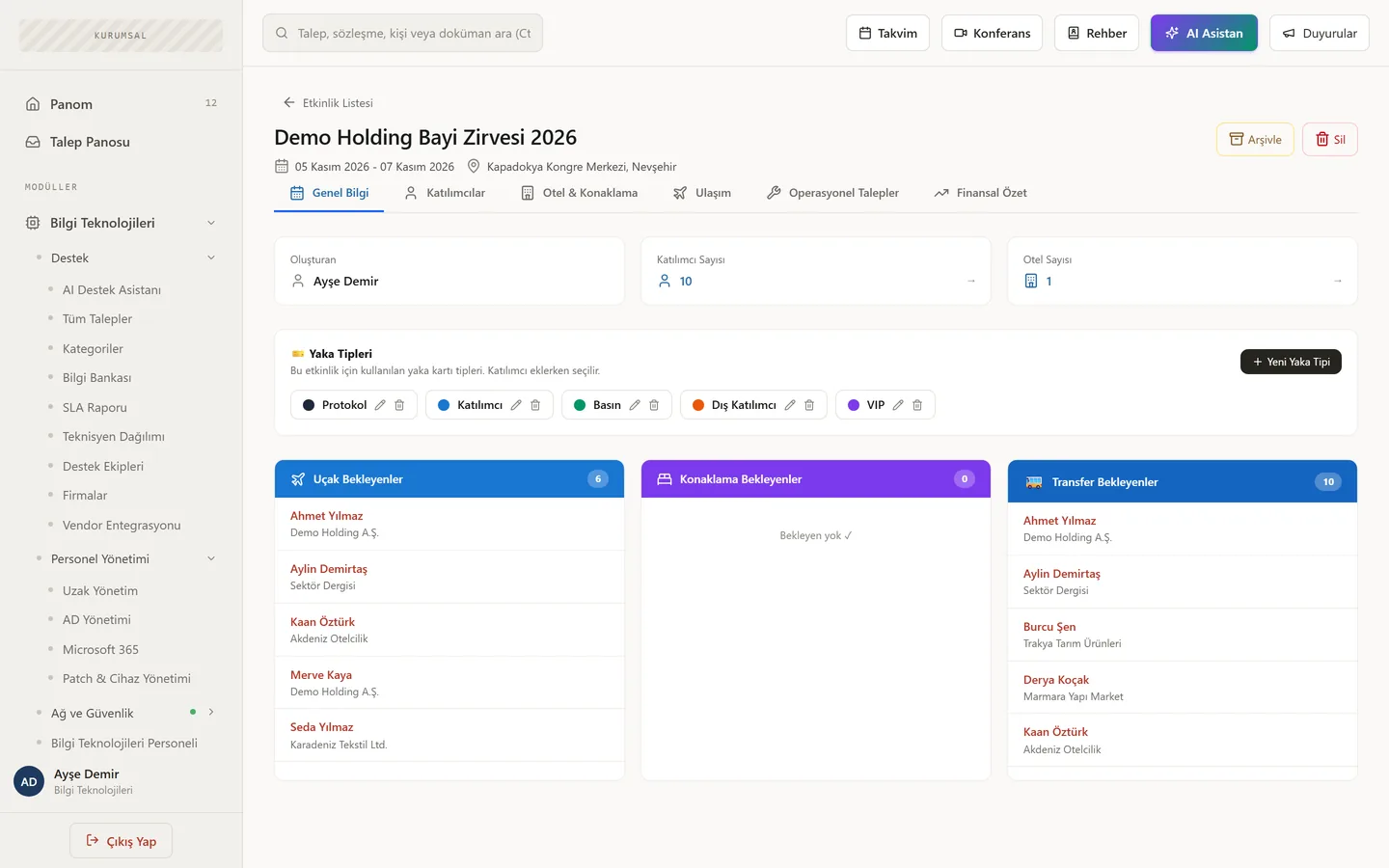
Import attendees from Excel; hotels, badges, roles, operational requests and per-event financial summary.
More departments on the way
Department modules grow with every release. If a process in your organisation still runs on spreadsheets, tell us about it.
Talk to us →Screens
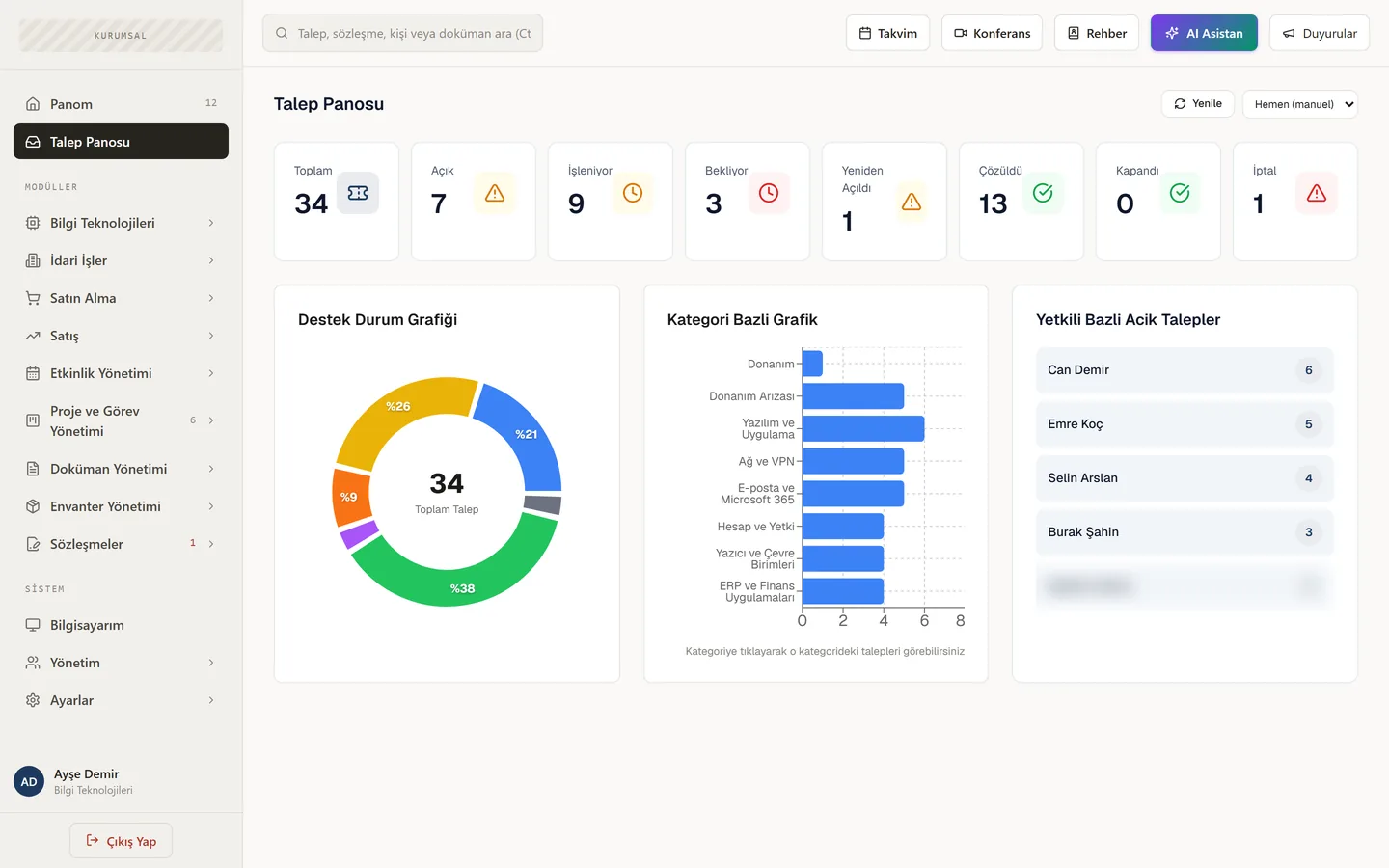
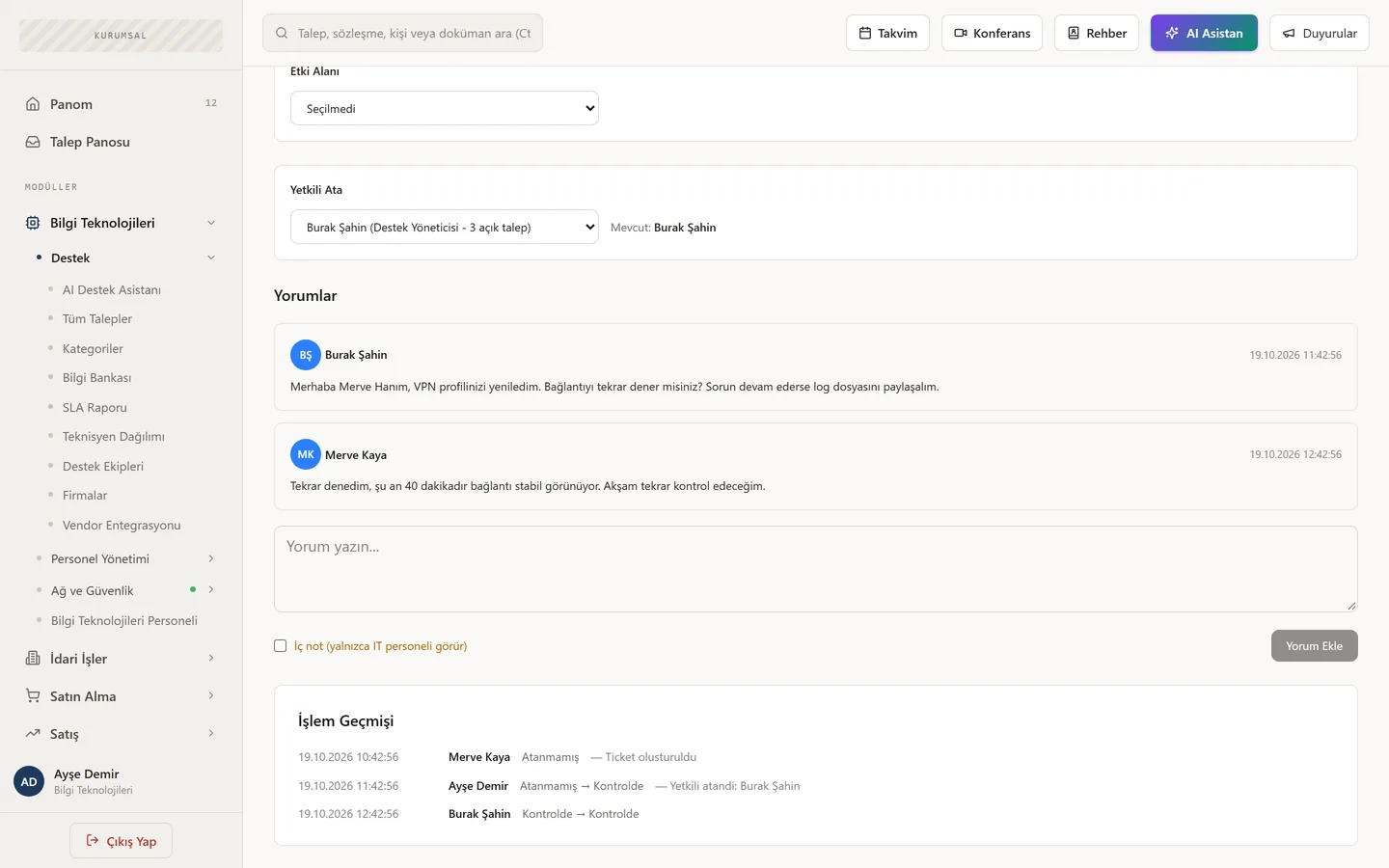
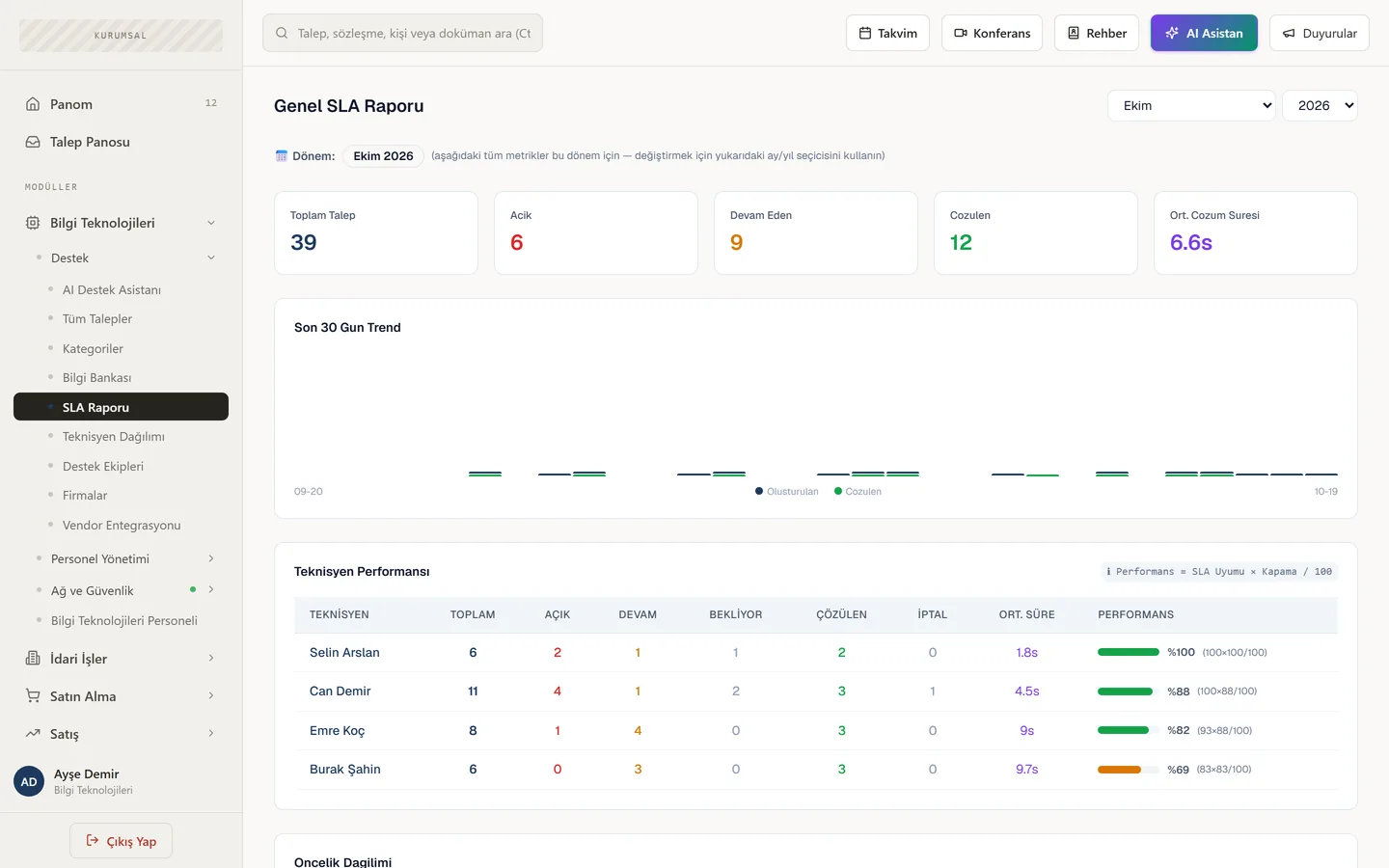
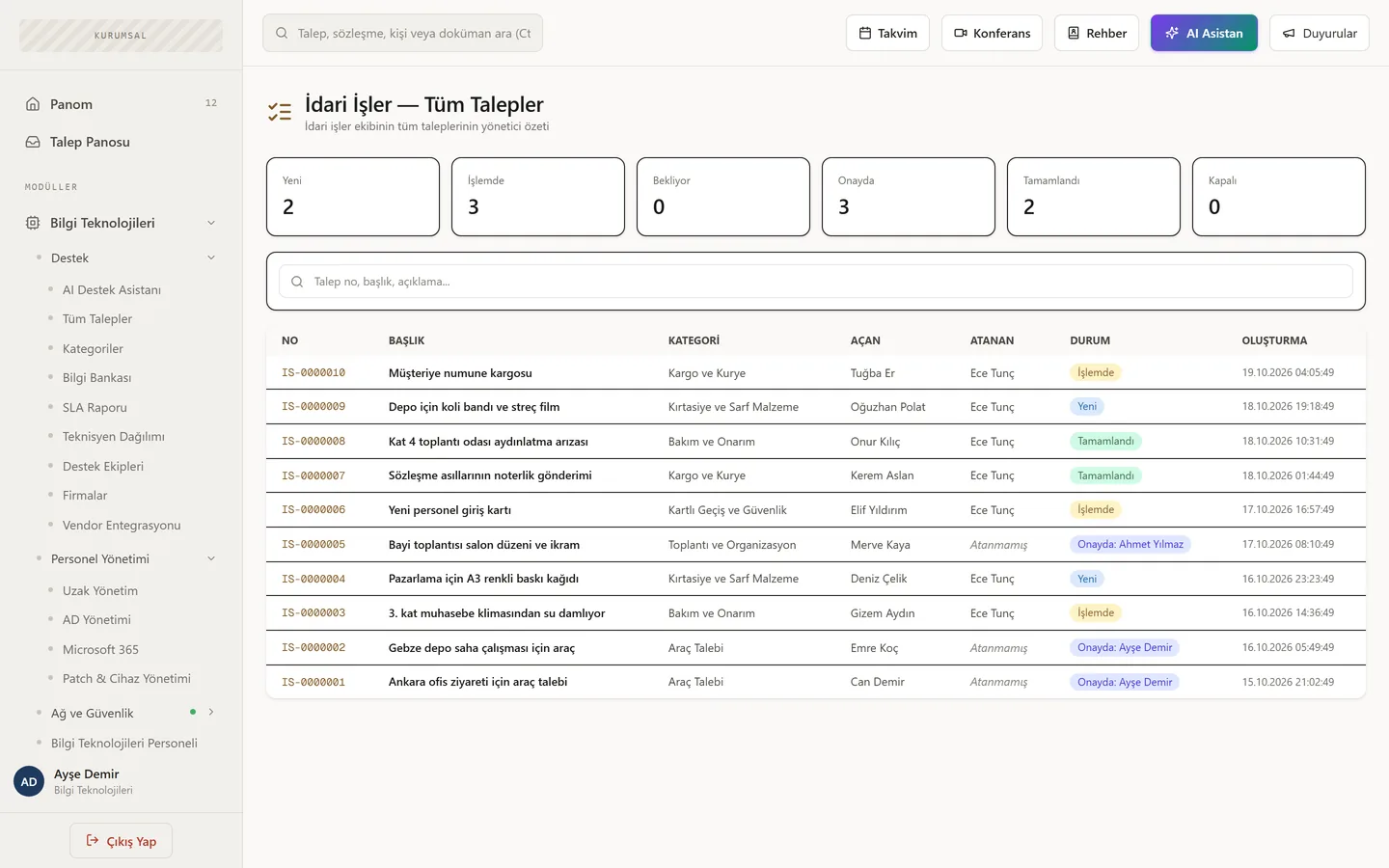
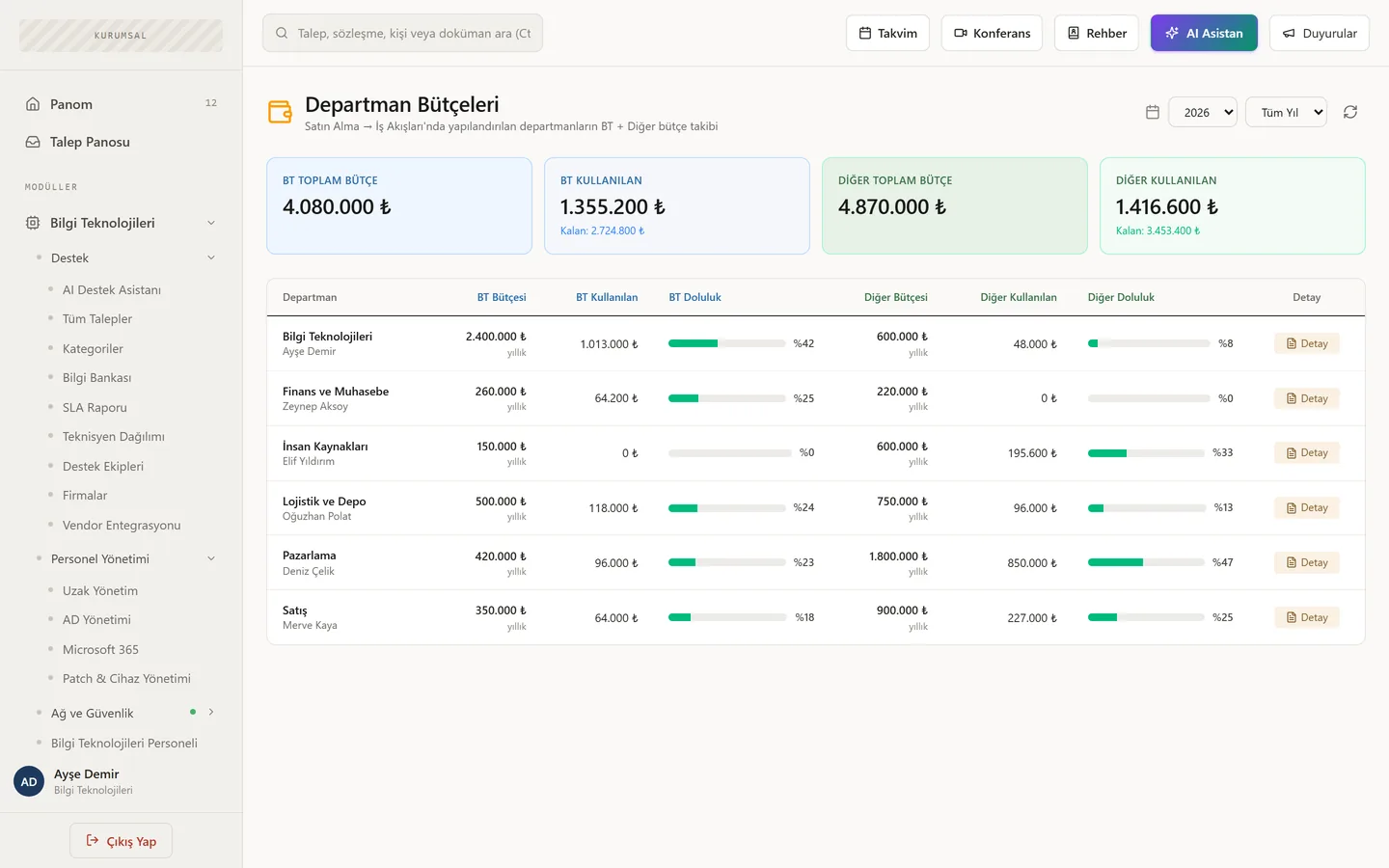
The real product, with a sample company’s data.
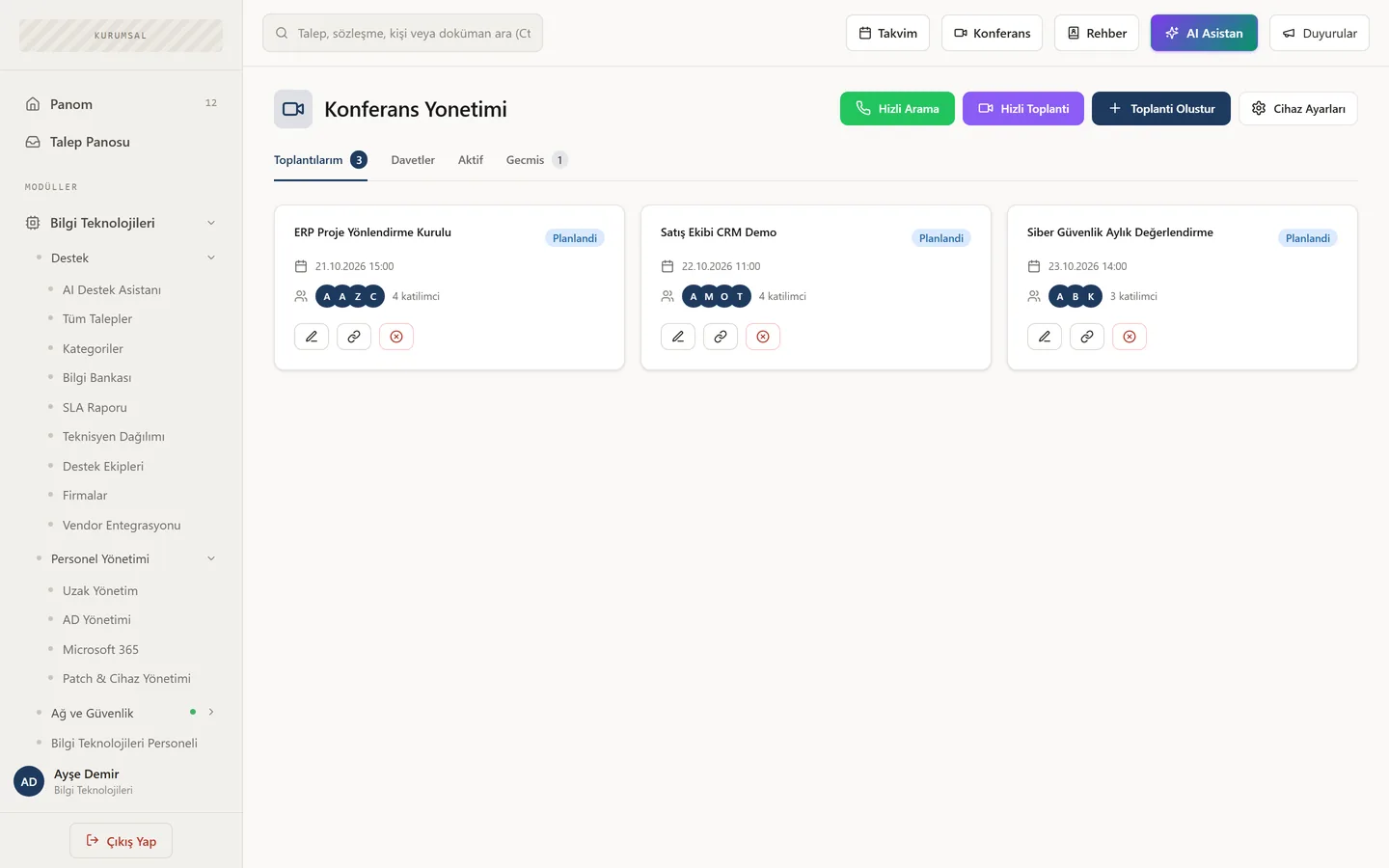
These screens are from the current release of Piservo Enterprise Management; the data belongs to a fictional company, “Demo Holding”. The interface is shown in Turkish.
Remote desktop
On the user’s screen, with the user’s consent.
A technician requests a session and the user approves it on screen. The remote desktop session starts, with no inbound ports on your network. If the user is away from their desk, the request reaches their phone as a notification.
- Switch between monitors, hear the remote PC’s audio
- Clipboard send/receive, Ctrl+Alt+Del and Windows shortcuts, view-only mode
- File explorer, start/stop services, restart, preset maintenance commands
- Every session is written to the audit log — no separate remote-access licence needed
Patch management
Which machines are behind, and why.
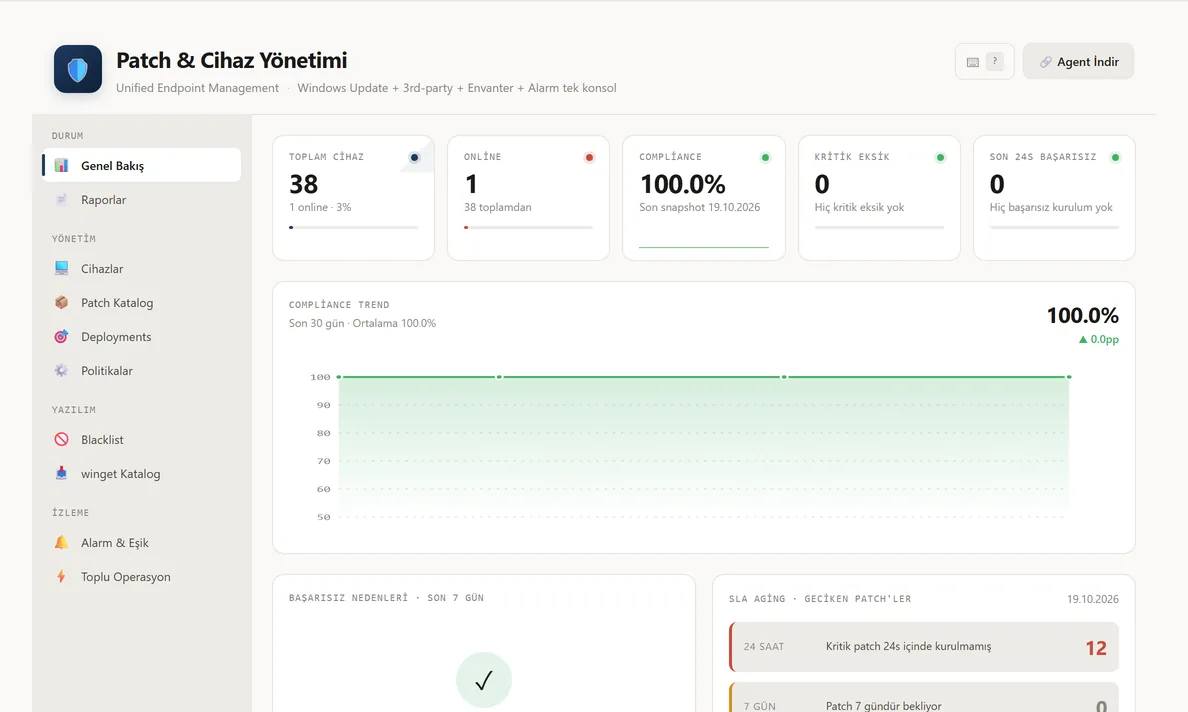
The agent scans Windows Update at start-up and every six hours. Install missing updates on one device or a group you choose, and update third-party apps from the same screen. When something fails to install, you see the reason.
- Compliance dashboard with a daily compliance trend
- Failure reasons: disk full, reboot pending, Windows Update error
- Install or remove by KB, list of devices waiting for a reboot
- Compliance, coverage and audit-evidence reports (CSV)
Network & security monitoring
Without exposing your firewall’s admin interface.
A monitoring agent at each site queries FortiGate and Palo Alto devices locally, tracks servers and network devices, and measures your websites’ response times. When something goes wrong, it e-mails you.
- FortiGate: CPU, memory, sessions, interface traffic, VPN users, top applications
- Network discovery: scans a subnet and lists IP, MAC, name and device type
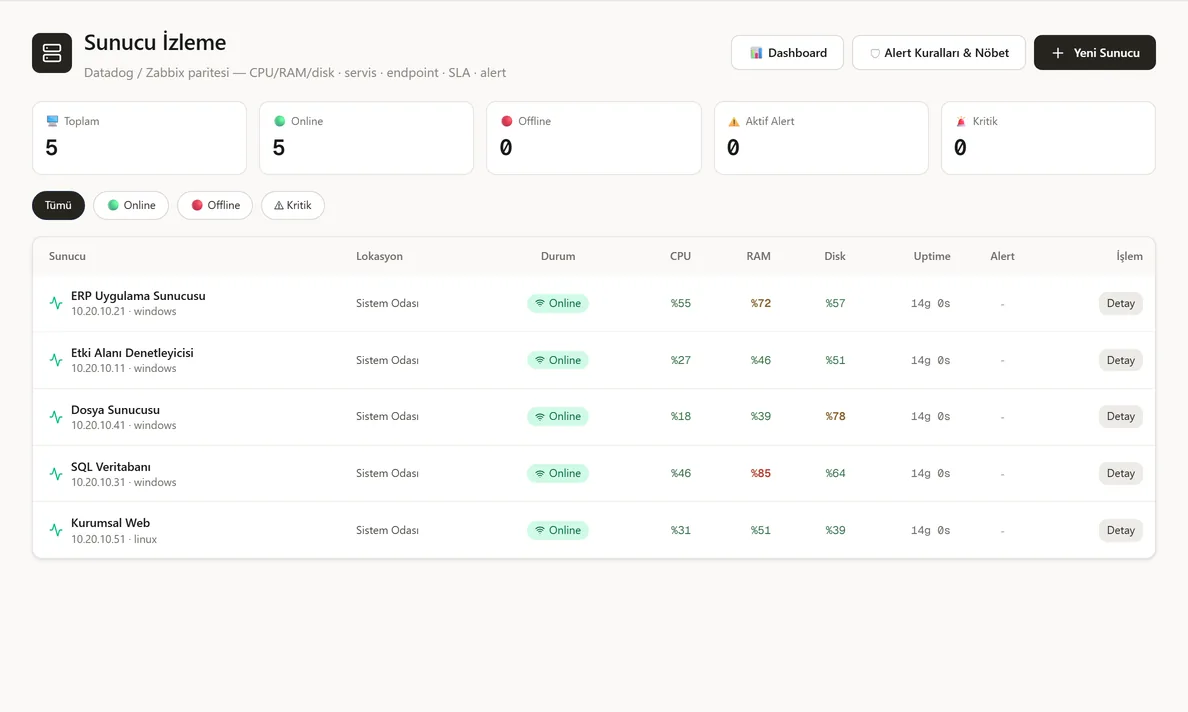
- Server agent: CPU, RAM, disk and key services on Windows and Linux
- If most devices at a site drop at once, it shows a single network outage instead of a flood of alerts
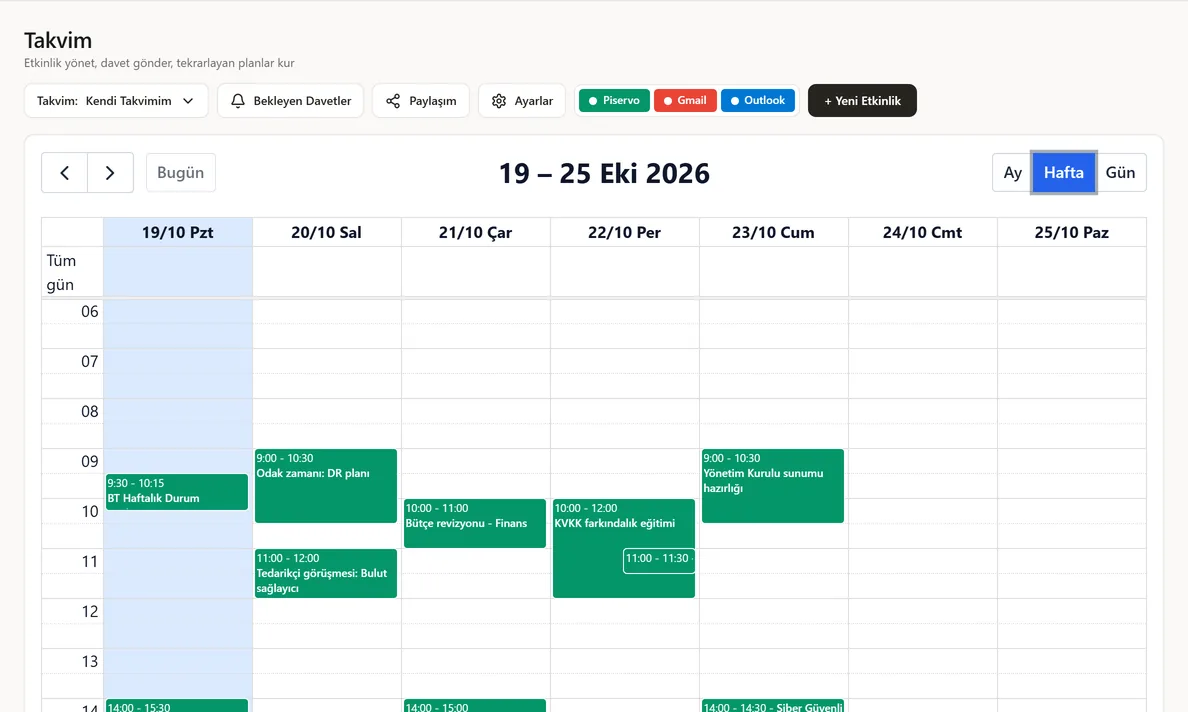
Video meetings & calendar
No separate meeting subscription required.
The meeting infrastructure runs on your server, so video and recordings stay inside the organisation. The calendar syncs both ways with Outlook and Google, and invitations land in every calendar.
- Screen sharing, waiting room, breakout rooms, polls and whiteboard
- Guest links: external participants join without a Piservo account
- Live captions with translation into 8 languages; AI summary, action items and decisions from recordings
- Scheduled and recurring meetings, .ics invitations, conflict warnings
Active Directory & Microsoft 365
Stop logging into servers for account chores.
A connector on your domain controller connects outbound only. Create users, reset passwords, unlock accounts and manage groups from Piservo — and manage Microsoft 365 users and licences in the same place.
- Bulk user creation from CSV, OU moves, group membership
- Reports: last logon, locked accounts, passwords about to expire
- MSI software deployment via GPO: to all computers, an OU or selected machines
- Microsoft 365 licence assignment and renewal reminders
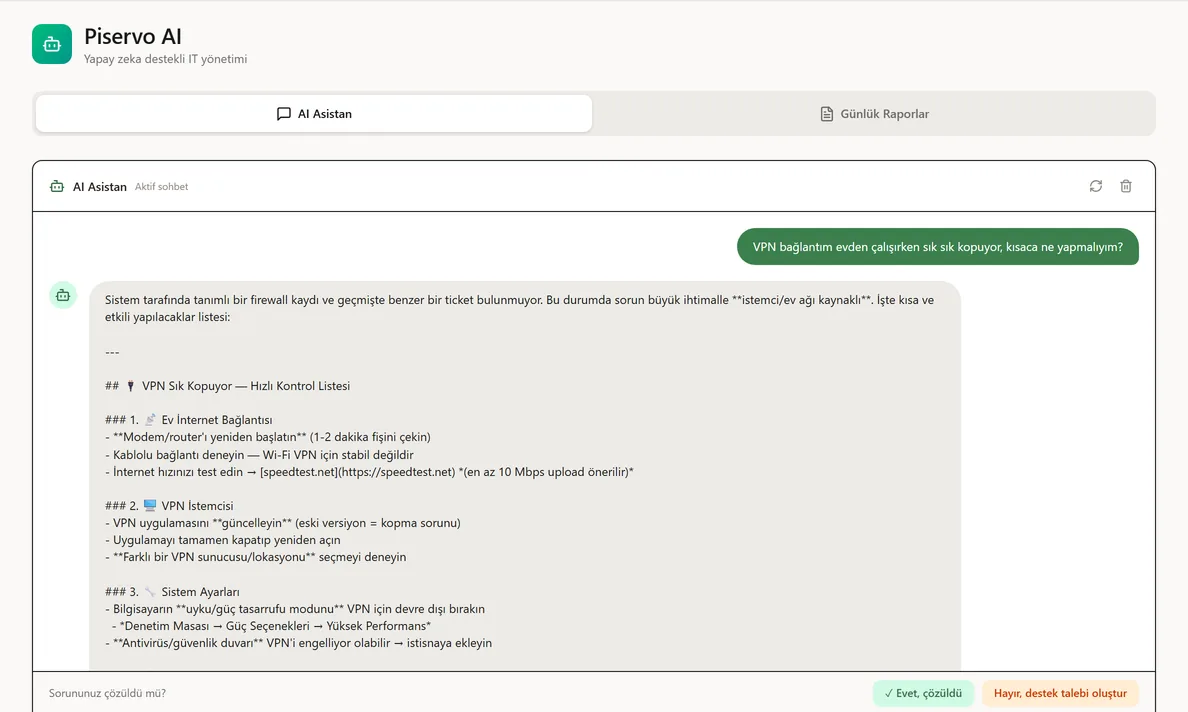
Piservo AI
Let employees get answers before they open a ticket.
The support assistant answers simple questions from your knowledge base and opens the ticket from the chat when needed. It suggests fixes to technicians and drafts knowledge-base articles from resolved tickets.
- Ask about your infrastructure: which agents are offline, which server is low on disk
- A daily status report by e-mail every morning: alerts, yesterday’s tickets, licences
- Summaries and action lists from meeting recordings
Purchasing
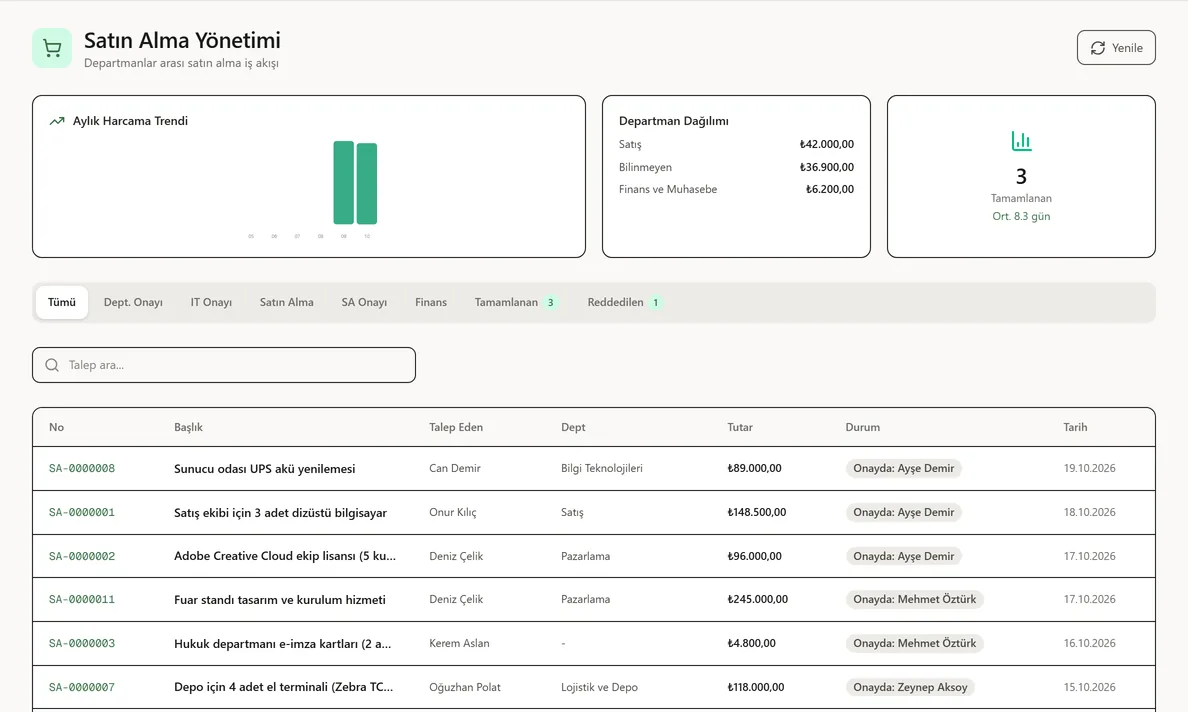
From request to delivery, within budget.
Employees pick what they need from a catalogue or describe it. The request moves through the department manager, IT, purchasing and finance in the order you define. Quotes are compared, goods are received into the warehouse and delivered.
- You define the steps; approve, reject or send back at each one
- Multiple supplier quotes with the reason for the choice
- Department budgets: budget check at request time and a budget report
And more
The details that make daily work easier.
My dashboard
Every user gets a personal dashboard with widgets from every module.
Knowledge base
Articles that let employees fix things themselves — and the source the AI assistant draws on.
SLA & technician reports
SLAs by category and priority, technician workload, support team performance.
Automation rules
Assign, notify or reprioritise when a ticket arrives. Public holidays are excluded from SLAs.
Mobile app
iOS and Android. Biometric lock, tickets, calendar, approvals and remote-session approval in your pocket.
Agent-based inventory
Hardware, serial numbers, disk health, Defender status, installed software and services arrive automatically.
Announcements & directory
Company announcements and everyone’s extension and department in one place.
Sign-in options
Local accounts, Active Directory or Microsoft Entra single sign-on; two-step verification.
Your own brand
Your logo, colours and domain. Employees see Piservo as your own system.
Deployment
In the cloud or on your own servers.
Piservo Cloud
Each organisation’s data is kept separate. We set up the environment and run the updates.
On-premises
Installed in your data centre; everything, including meeting and remote-desktop traffic, stays with you.
Mass agent rollout
The desktop agent ships as an MSI and deploys to every computer at once via GPO.
Audit & privacy
Audit log, KVKK consent screen, and user consent on every remote session.
Can we use it for IT only?+
Yes. Modules are licensed individually; most organisations start with IT and add departments such as purchasing or facilities later.
Do we still need a TeamViewer or AnyDesk licence for remote desktop?+
No. Remote desktop is built into the Piservo agent. Sessions always start with the user’s consent — a deliberate choice for privacy compliance.
Where is our data stored?+
In the cloud edition each organisation’s data is kept separate from all others. On-premises, all data, including meeting recordings, stays entirely on your infrastructure.
Does it work with our existing Active Directory and Microsoft 365?+
Yes. Users and departments sync from AD, sign-in works with Microsoft Entra, and the Outlook calendar syncs both ways.
How long does deployment take?+
It depends on user count and the integrations you enable. In the first call we map out your environment and give you a concrete plan.
How is it priced?+
By number of users and enabled modules. Write to sales@piservo.com for a quote or request a demo.
More from Piservo
Let’s pick the department you start with.
In a short call we look at which processes still run on e-mail and spreadsheets, then show you the relevant modules live.